
Hero
Put an image in the frontmatter, and the page title, date and summary show beside it at the top of the page.
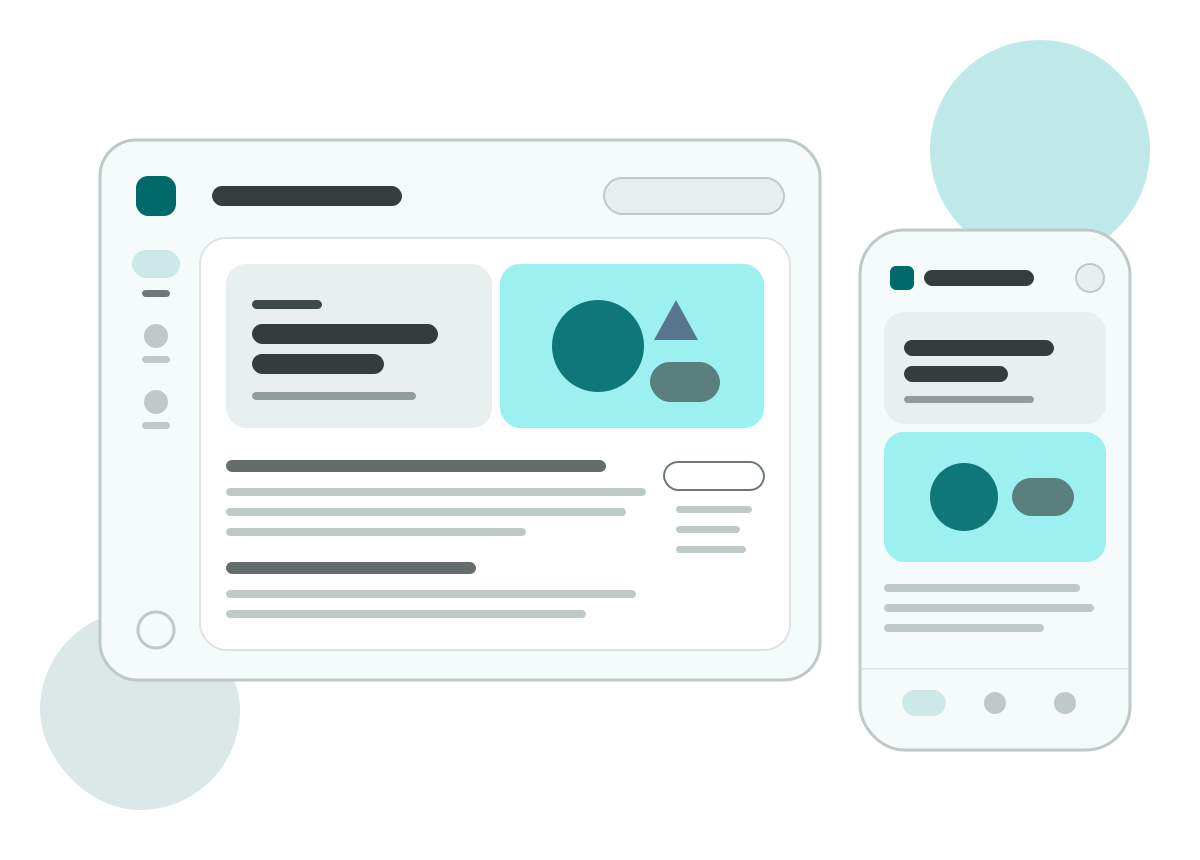
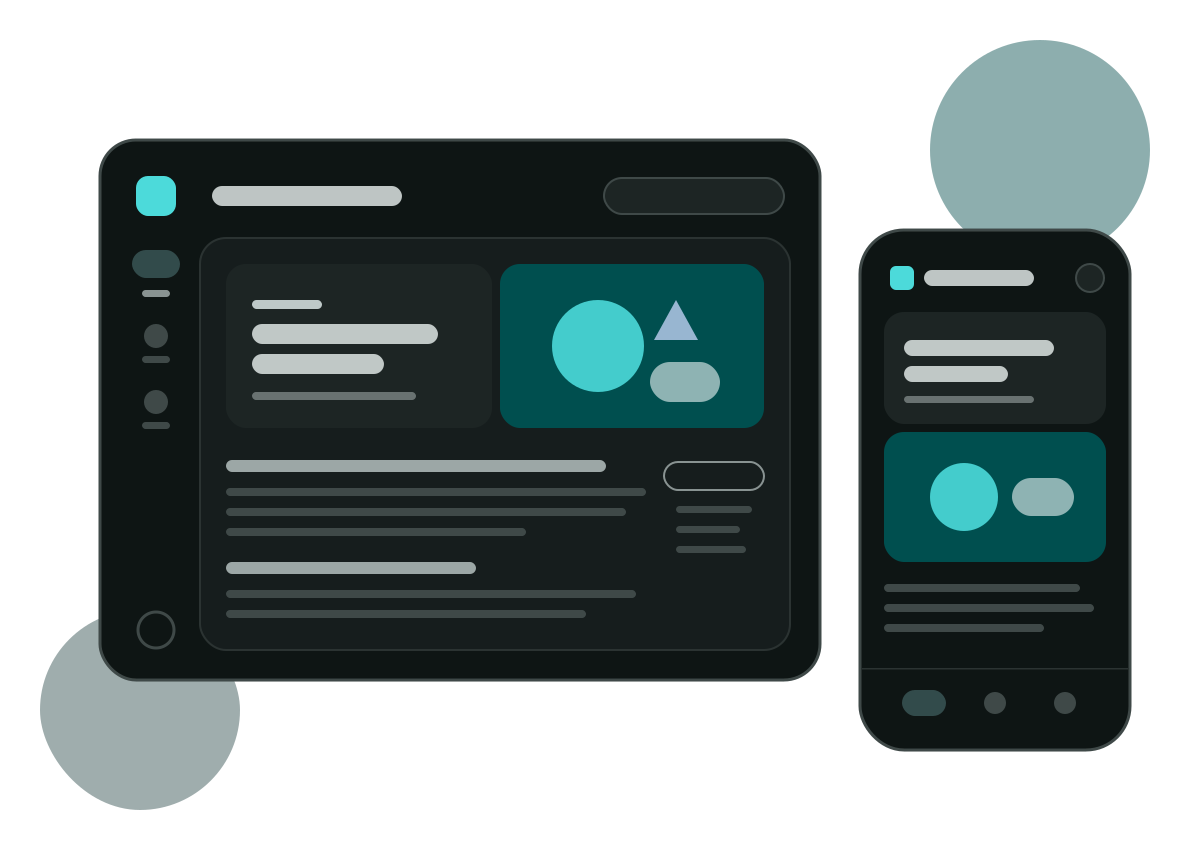
Hero
Like the Material Design blog, a page can have a hero image: two cards side by side at the top of the document surface, with the date, title and summary on the left and the image on the right. The top of this page is an example.
Adding a hero
Write hero in the page's frontmatter:
---
title: What's new from Google I/O 2026
hero:
  image: /hero/io-2026.png
  alt: The new components on a phone and a tablet
  date: 2026-05-19
  tagline: Material's latest updates make expressive, adaptive products easier to build
---
If you only need the image, use the short form:
hero: /hero/io-2026.pngThe page title shows in the hero card, and the level 1 heading at the start of the content is hidden.
Dark mode image
To provide a separate image for dark mode, write light and dark:
hero:
  image:
    light: /hero/io-2026.png
    dark: /hero/io-2026-dark.png
    alt: The new components on a phone and a tablet
The image changes as soon as you switch between light and dark mode, and the image not on screen is not downloaded.
Color
A page with a hero takes a color from the image as its theme color, and the app bar, navigation, buttons and links switch to a palette that goes with the image. When you leave the page, the reader's own color comes back. Write color: "#3367d6" to fix the color, or color: false to keep the reader's color.
Transparent images and patterns
Illustrations with a transparent background go well with fit: contain: the image shows in full, with a margin inside the card. Both cards carry a very faint pattern, and when the pointer rests on a card, a soft glow lights up around it. The pattern also shows behind transparent images. Choose the pattern with pattern, or write none to turn it off.
For all fields, see API. For how color extraction, layout and patterns work, see Details.